





How the Infrastructure Works

From First Scan to Final Payout. Here is How It Works.

One simple QR code turns every stay into an automated digital storefront. No apps, no subscriptions, just revenue.

The System at a Glance

Three phases. One system.
Zero ongoing effort.

Set it up once. The infrastructure handles every guest scan and transaction automatically.

Setup Phase — Host

You build the system

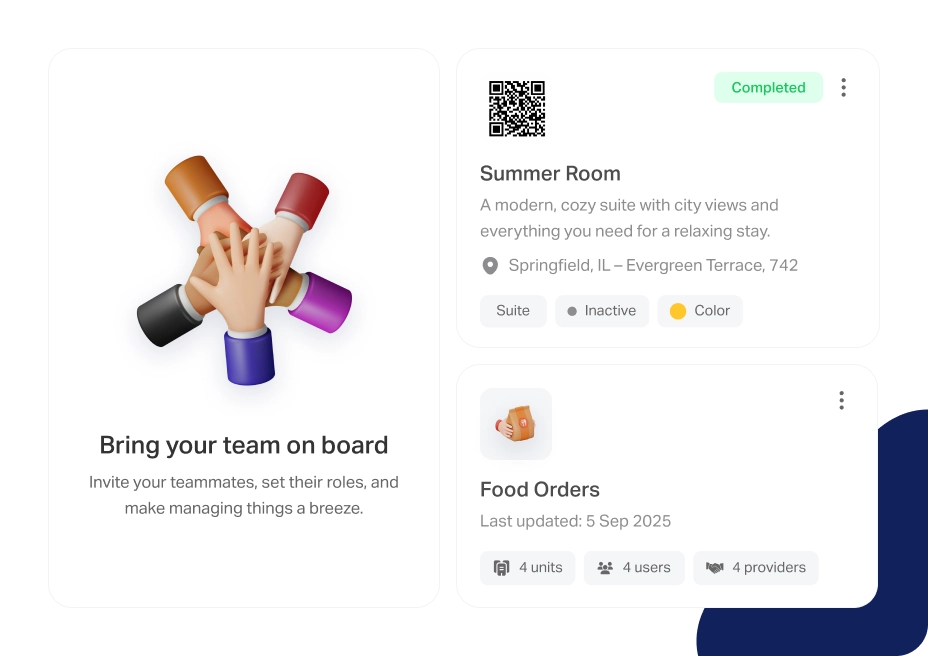
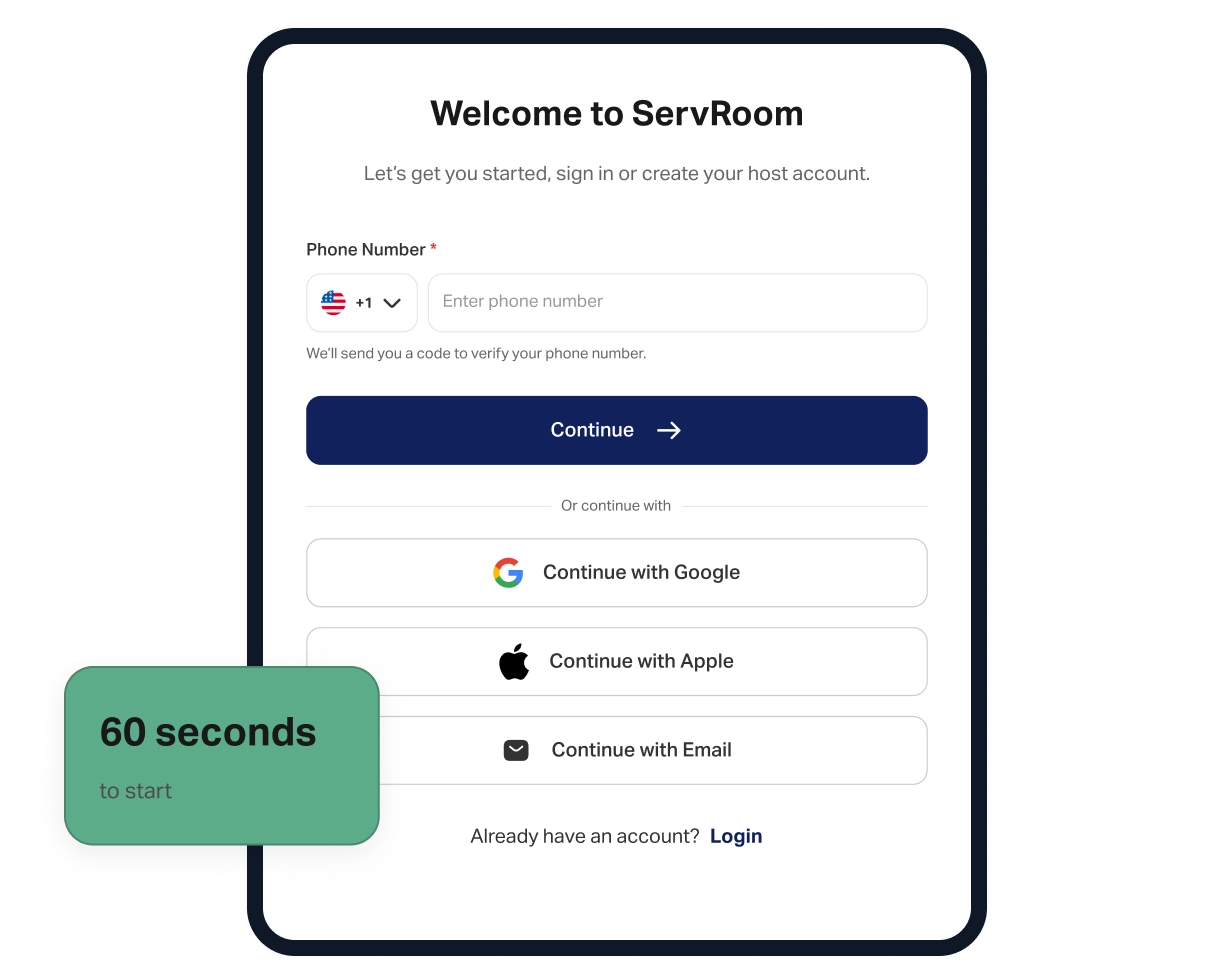
Create your account, set up your digital property space, add services and local vendors, generate your QR code, and place it in your rental.

30 minutes · Happens once
Discovery Phase — Guest

Guests scan and explore

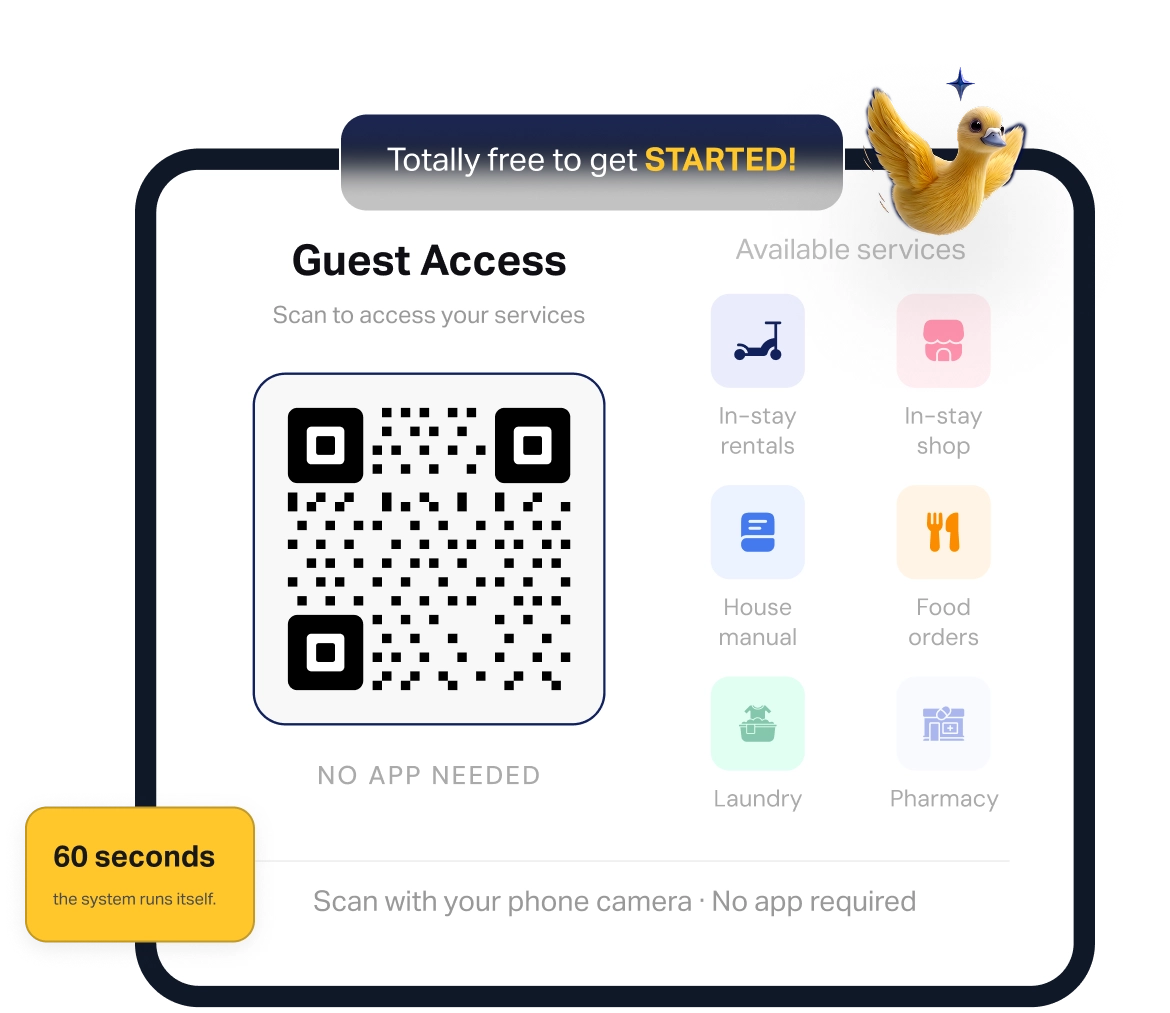
Guests scan the QR on arrival. They browse your guidebook, services, and local vendor directory. Natural discovery, no prompting from you required.

Every check-in · No host involvement
Revenue Phase — Automatic

Orders in. Revenue earned.

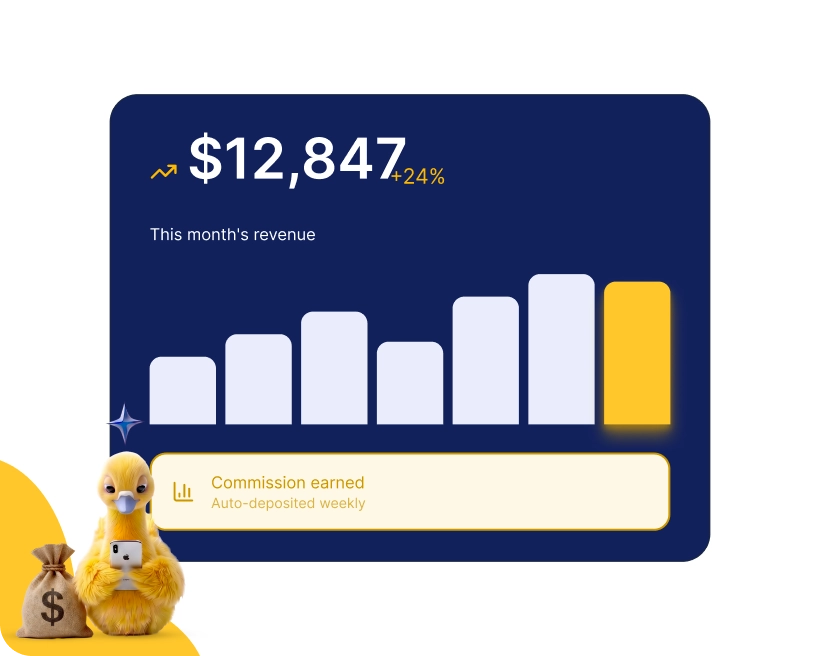
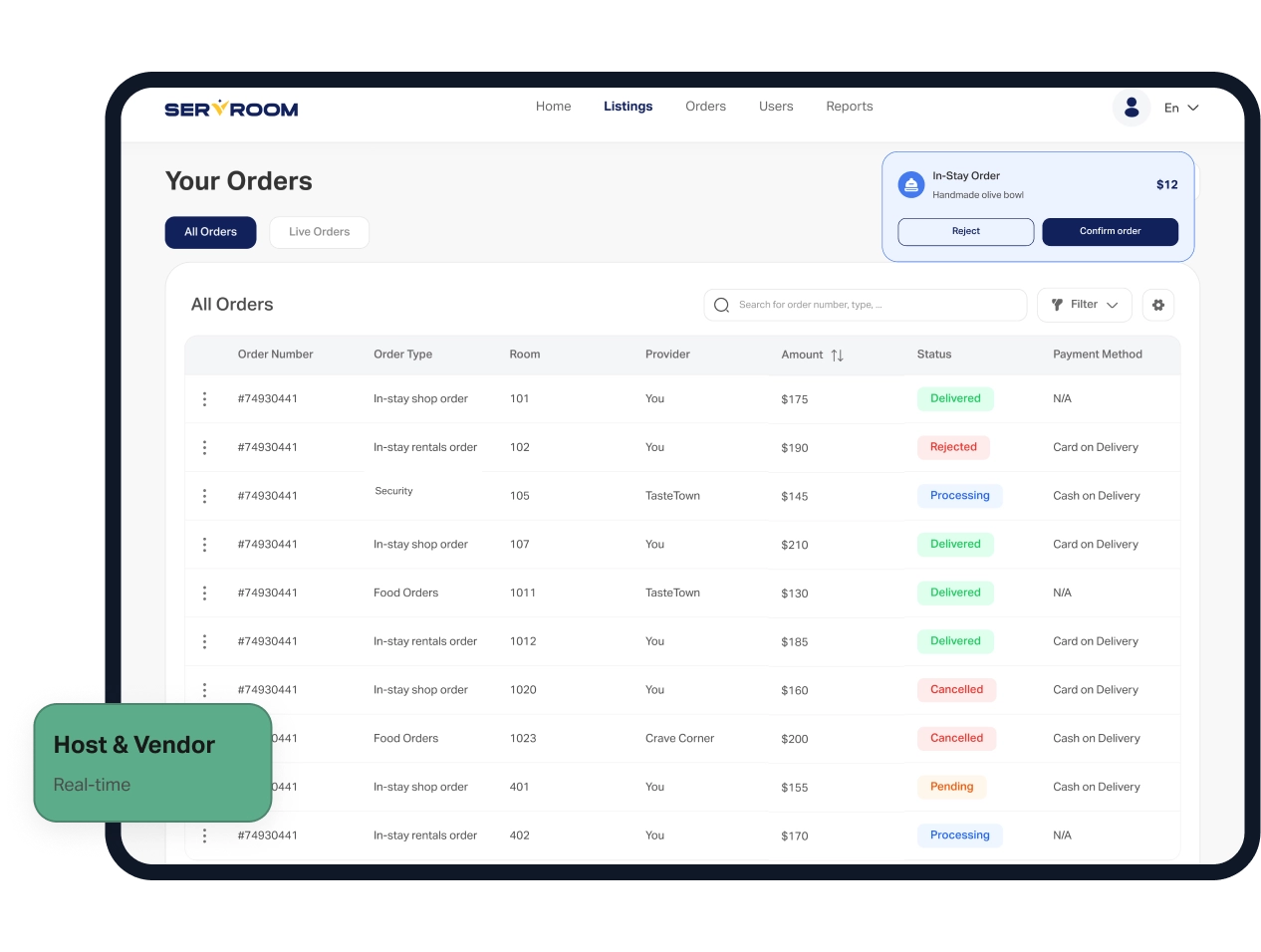
Guests order. The system processes the transaction, pays the vendor, logs your commission, and updates your dashboard in real time.

Passive · No manual work
The Lifecycle of a Stay

From Setup to Payout:
How the Infrastructure Operates

3 distinct phases. You only handle the setup, the system automates the rest.

Creates account

Email + password. No credit card. No approval process. Active in under a minute.

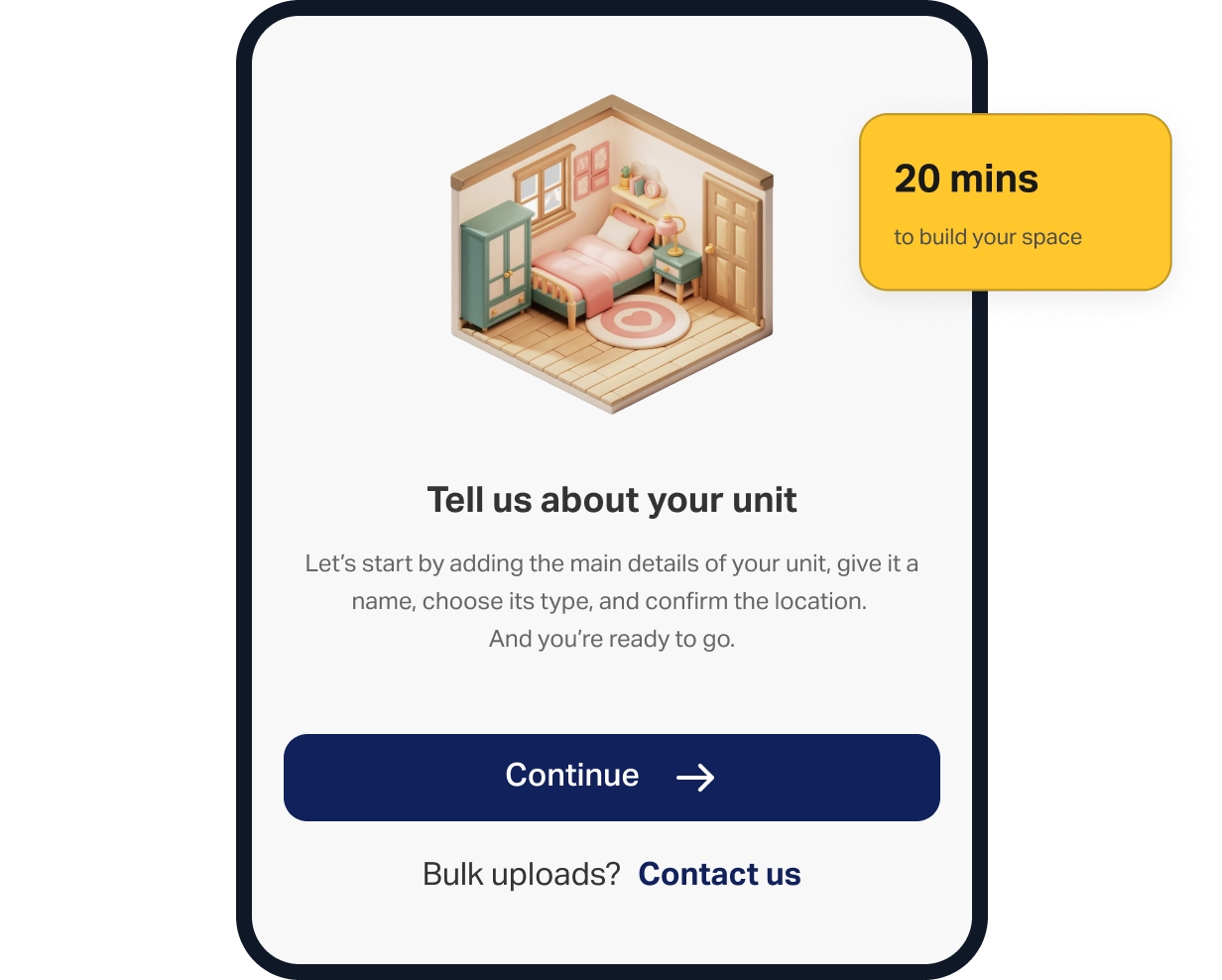
Build Your Digital Space

Names the property, adds guidebook content, configures services, uploads vendor listings, sets prices. Modular — do one section or all.

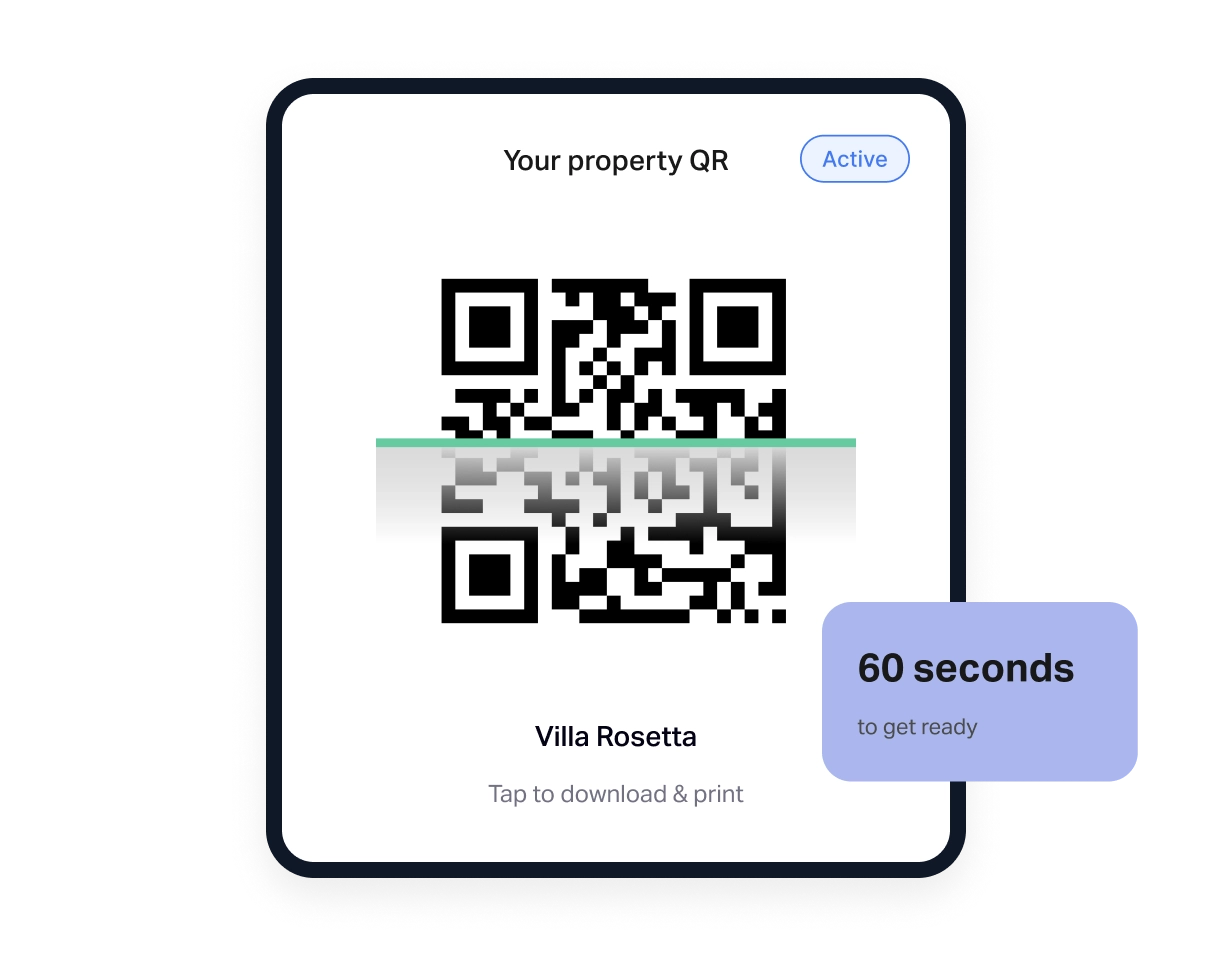
Generates QR Code

One click. Print-ready PDF in seconds. Works as a physical QR card, sticker, or framed print.

Places QR in Your Property

Place QRs on the kitchen counter, living room, and bedside to maximize scans. That is your only physical work. Done.

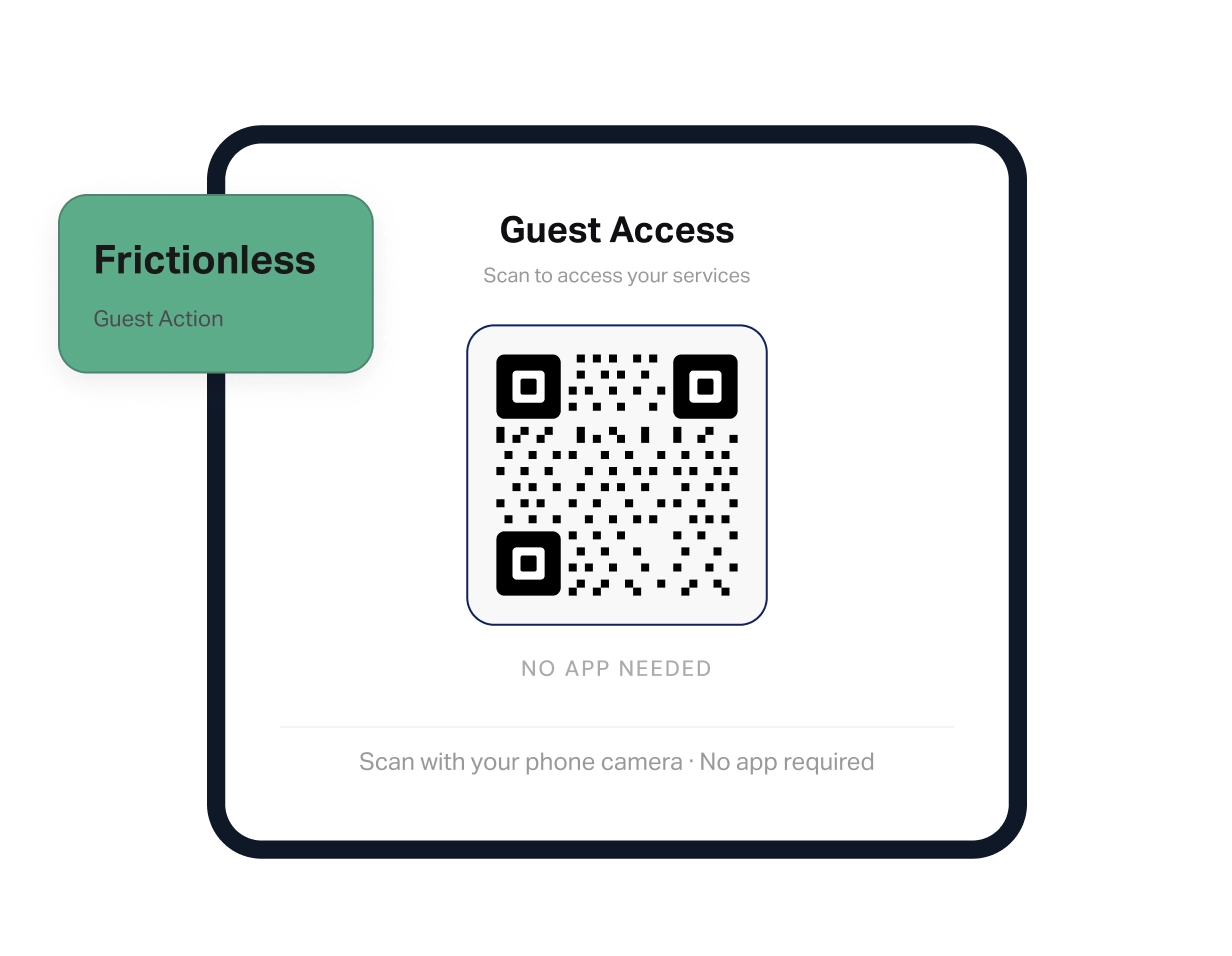
Scans the QR code

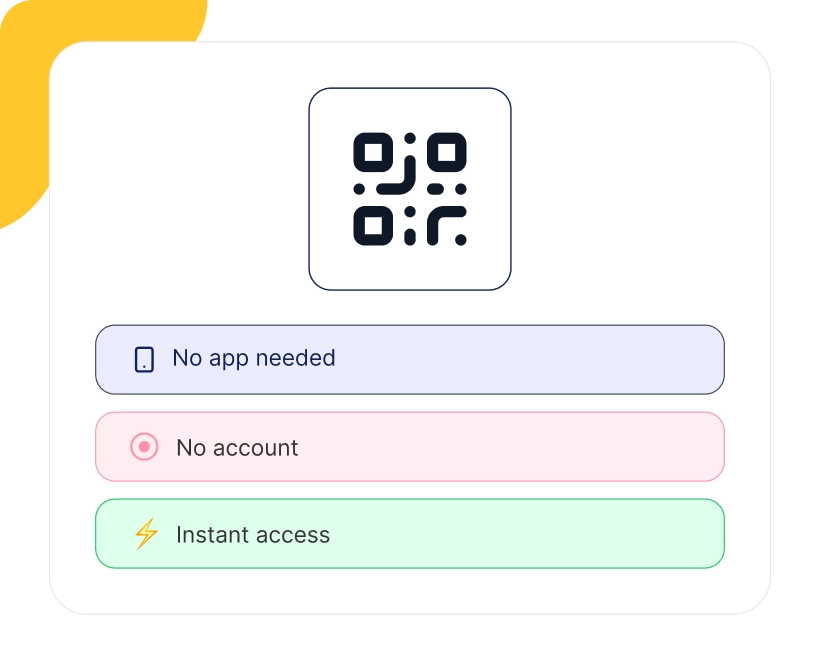
Standard smartphone camera. No app download. No account creation. The platform opens in under 3 seconds.

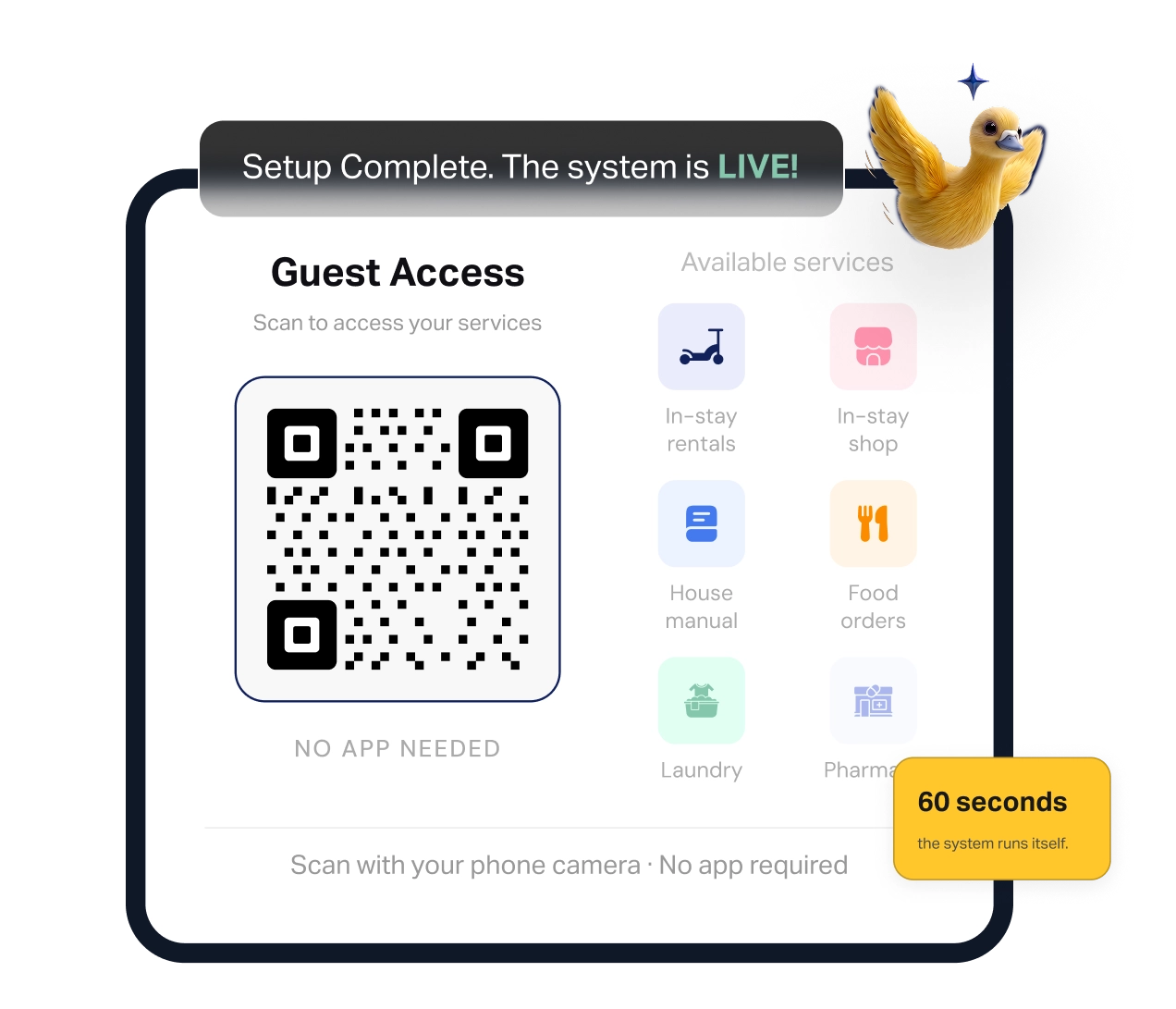
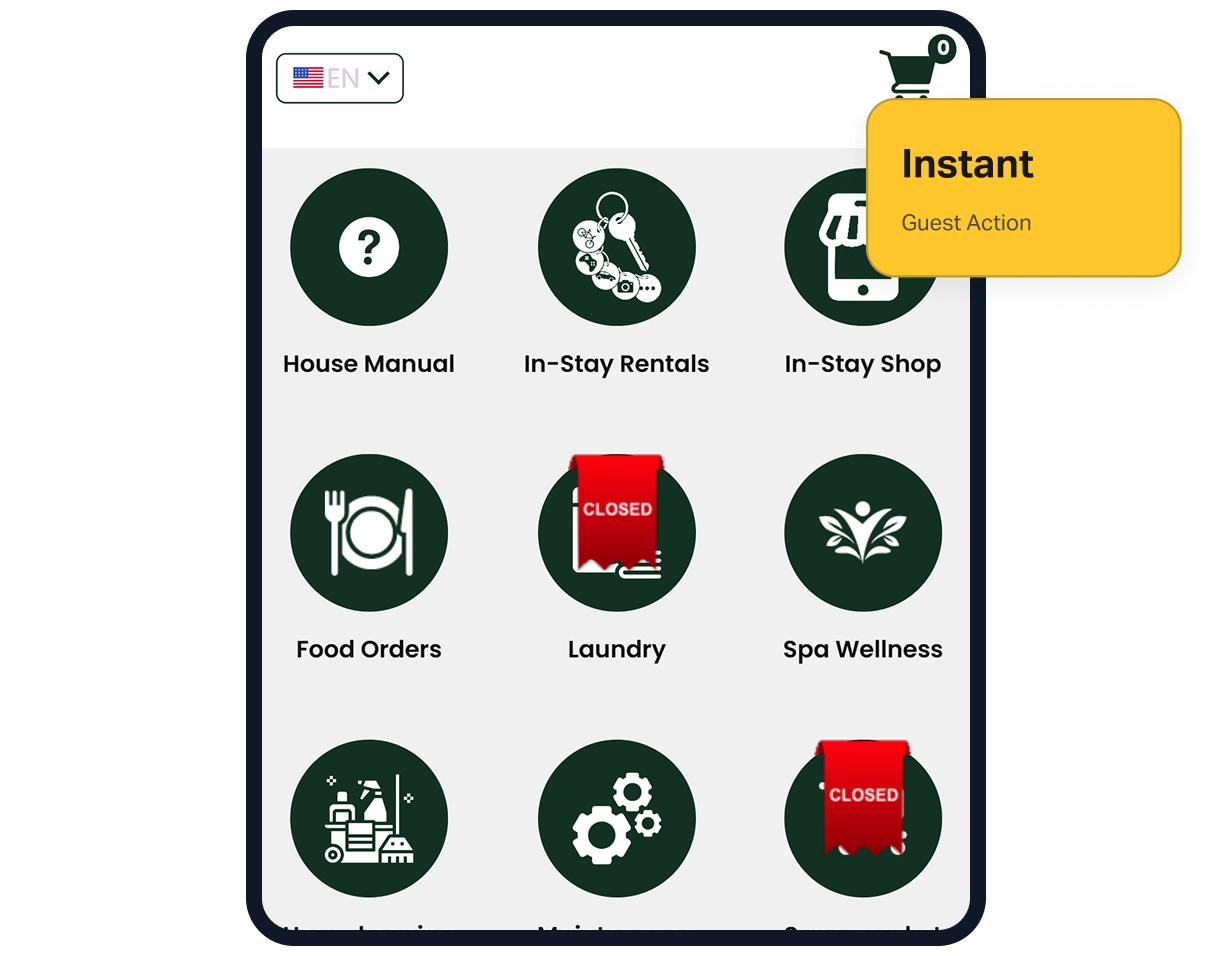
Accesses your Property Storefront

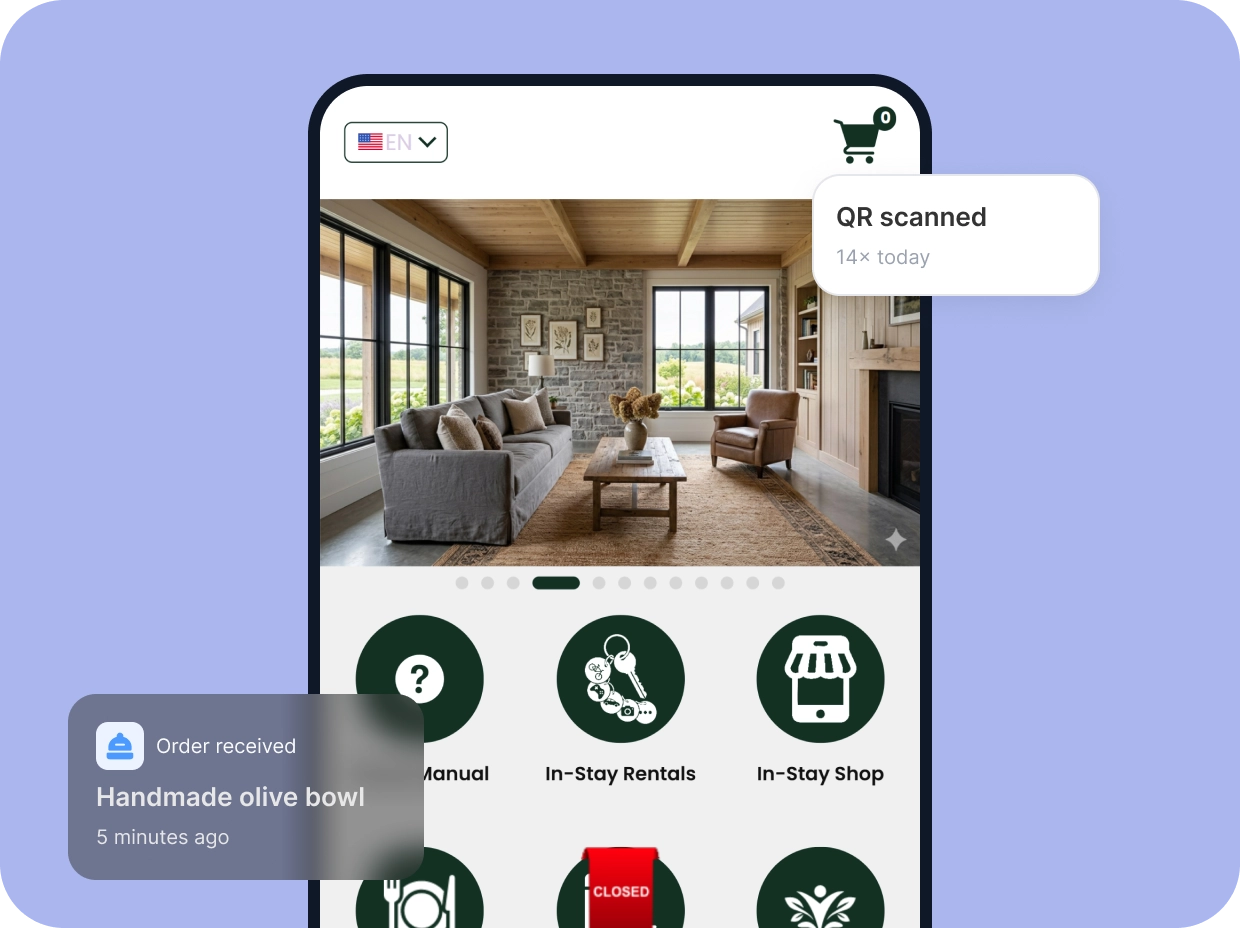
Guidebook info, WiFi, host services, local vendor directory, experiences, all in one mobile-first page branded to the property.

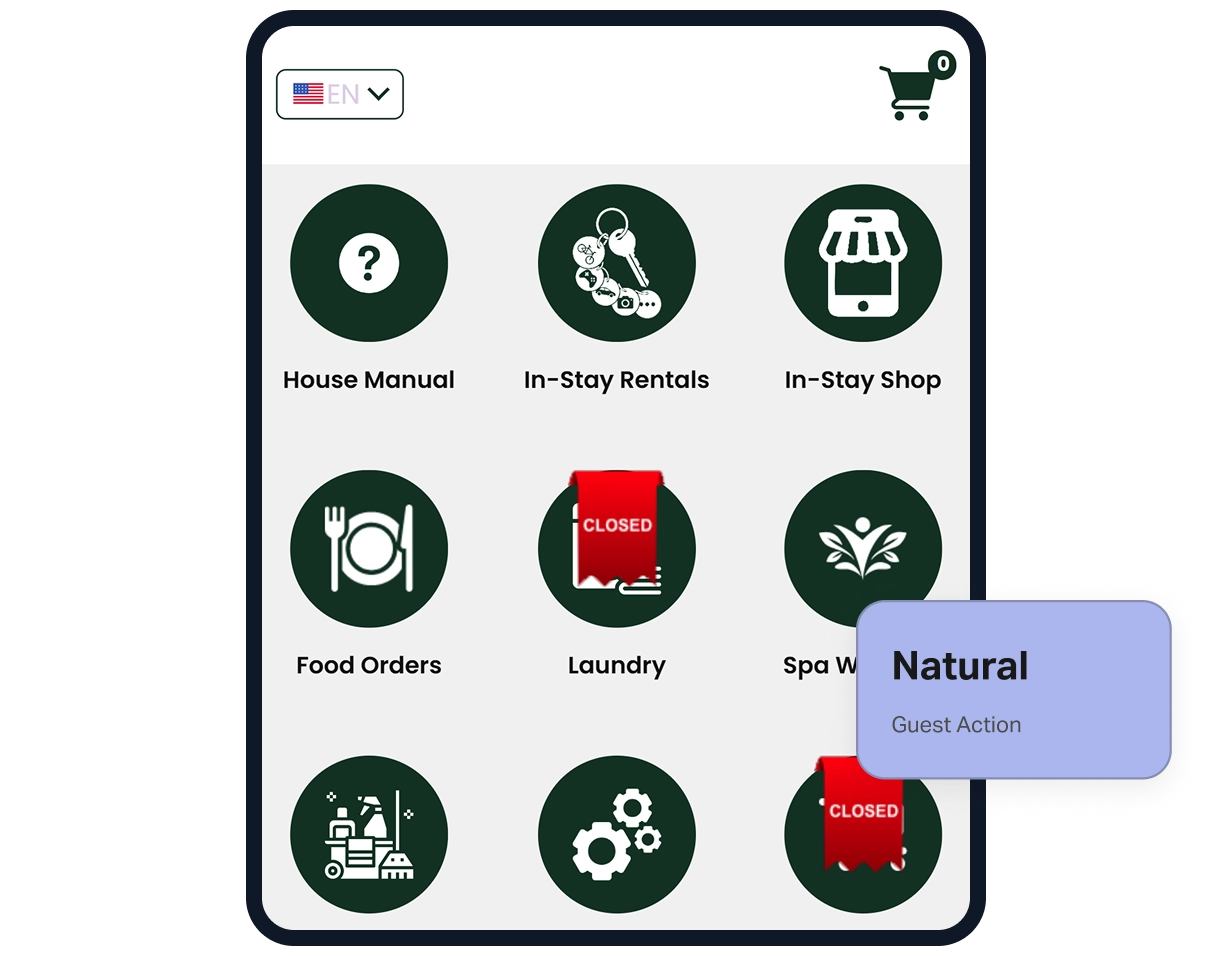
Browses and discovers

Services and vendors appear as curated local recommendations, not pushy ads. It feels like an exclusive concierge.

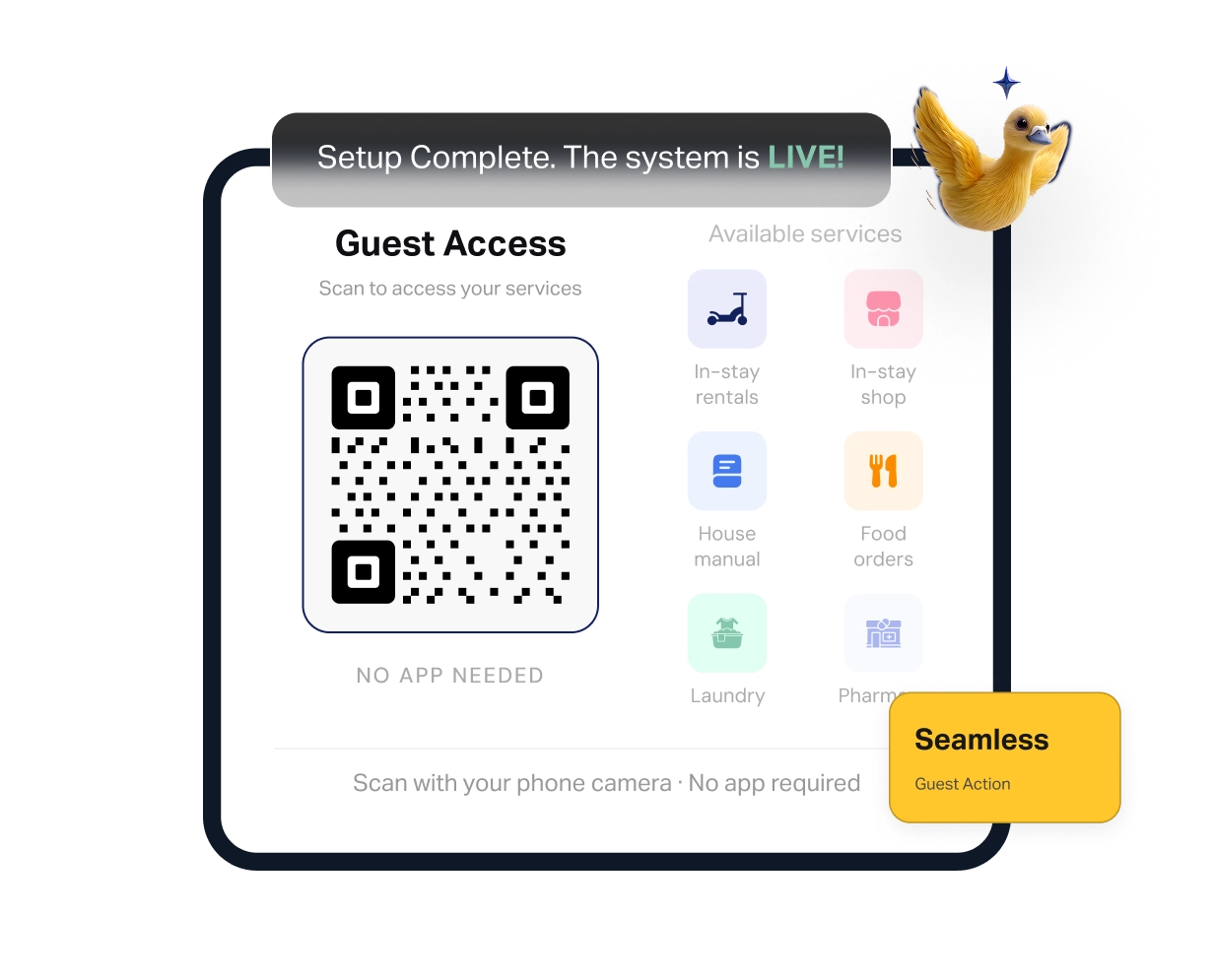
Orders or requests

Single-tap selection, payment or request confirmation. Guest is notified of status. No back-and-forth with the host required.

Receives real-time notification Real-time

Order lands in your host dashboard and the vendor is notified. You see what was ordered, the amount, and the guest details.

Transaction is processedAutomated

Payment handled automatically. Vendors receive their portion. Host commission is calculated and recorded instantly.

Commission is routedPassive

Your profit is automatically calculated and routed to your earnings balance. Transparent breakdown on every single transaction.

Success-based feeAligned

We take a small commission only on completed transactions. No revenue for anyone = no fee for ServRoom. Total alignment of incentives.

The Guest Experience

This is Exactly What Your Guest Sees

A seamless, mobile-first experience designed to be faster than asking a question. Zero friction for every stay.

Opens in under 3 seconds

No app store, no downloads, and no accounts. One camera scan opens the browser instantly.

Everything in one place

Guidebook, chat, services, and vendors — all in the guest's language. One scan, zero confusion.

Single-tap ordering

Select, confirm, done. No forms, no phone calls, and no back-and-forth messages to you.

No guest data collected

Sessions are anonymous. No guest account required. Full GDPR alignment by design.

Every modern smartphone camera auto-scans QR codes. If your guest can photograph your property, they can scan. Place a QR in every room — more scans, more revenue.

How Revenue Flows

Where Does Every Cent Go?
Here is the Exact Breakdown.

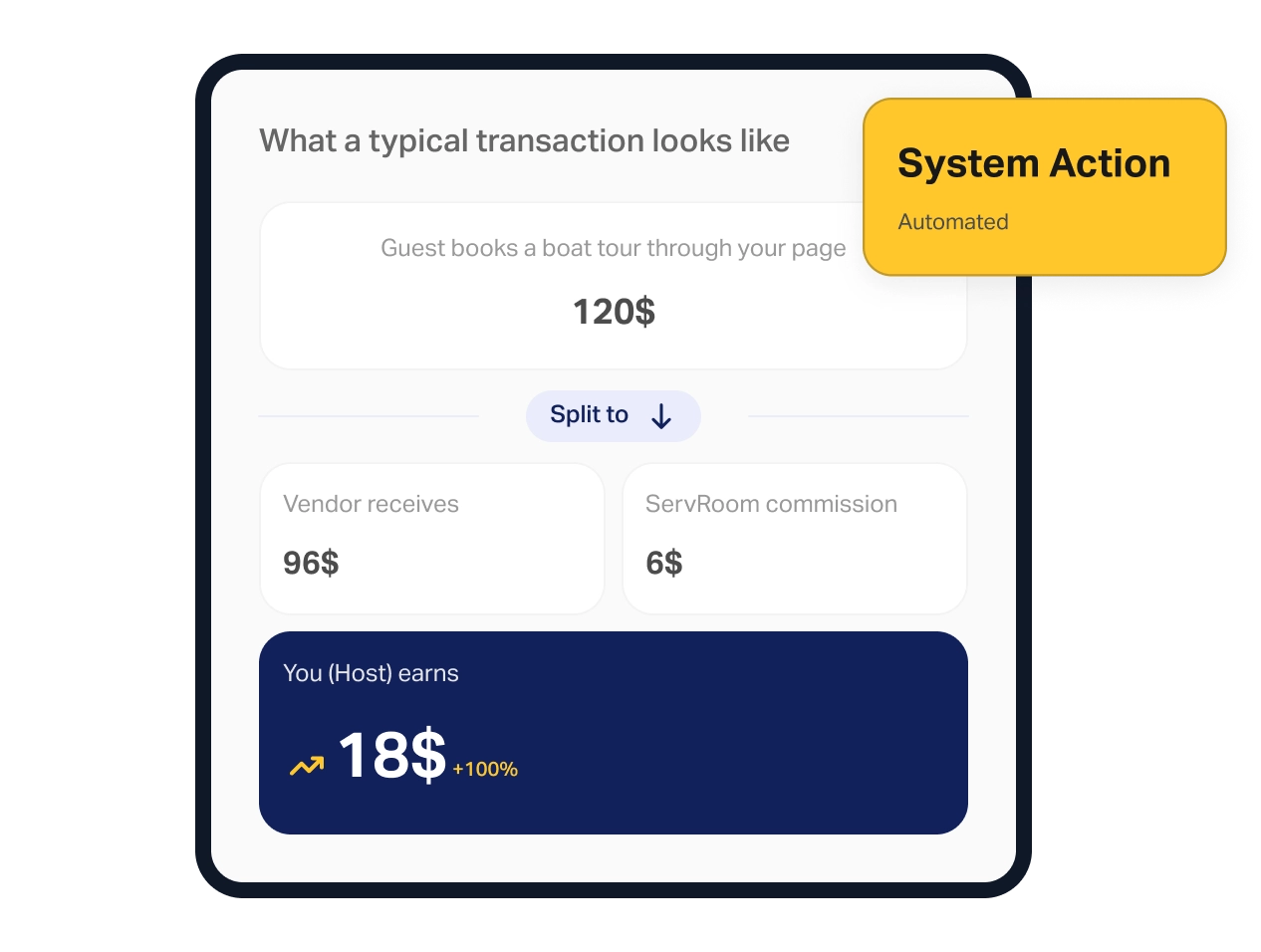
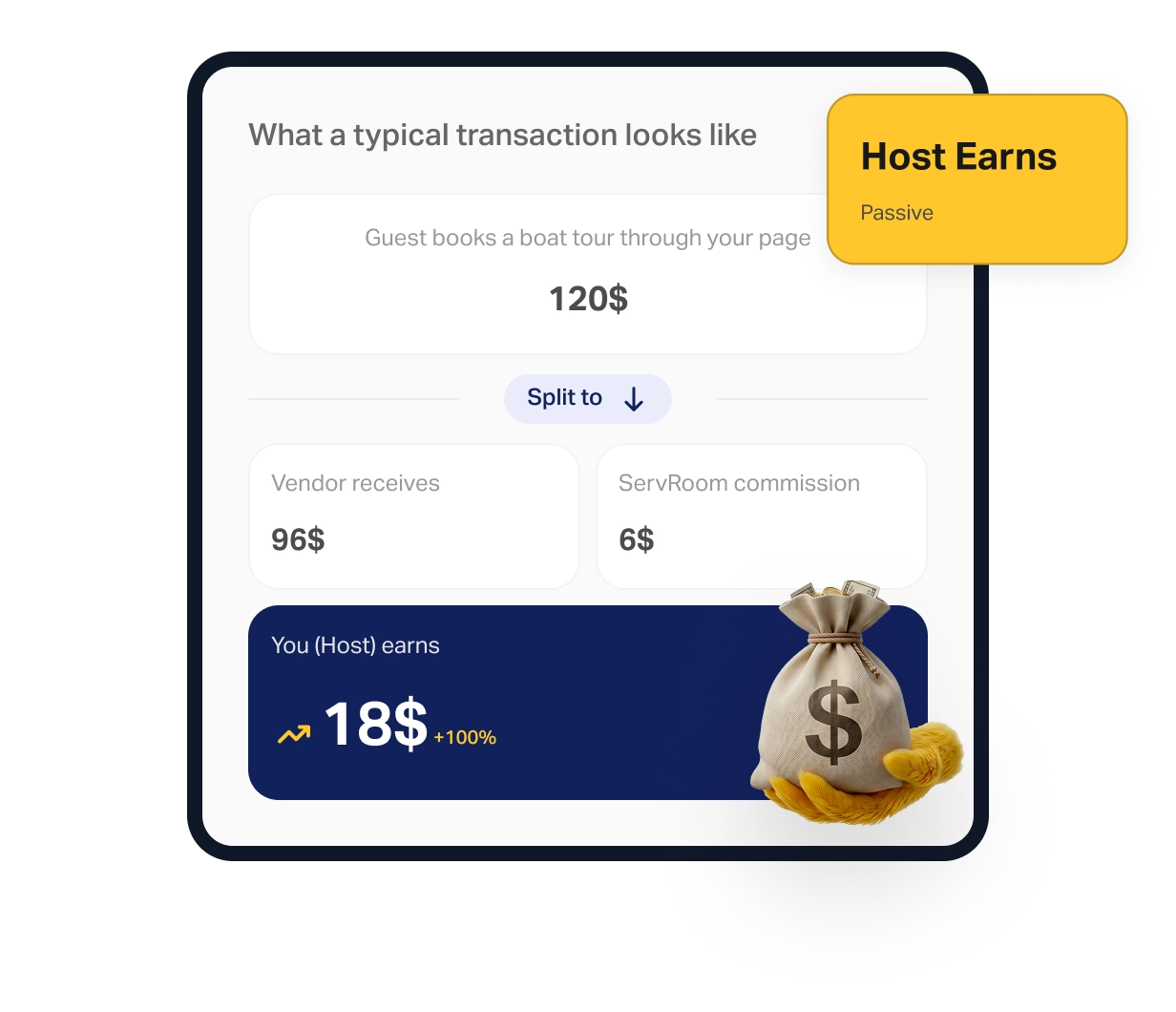
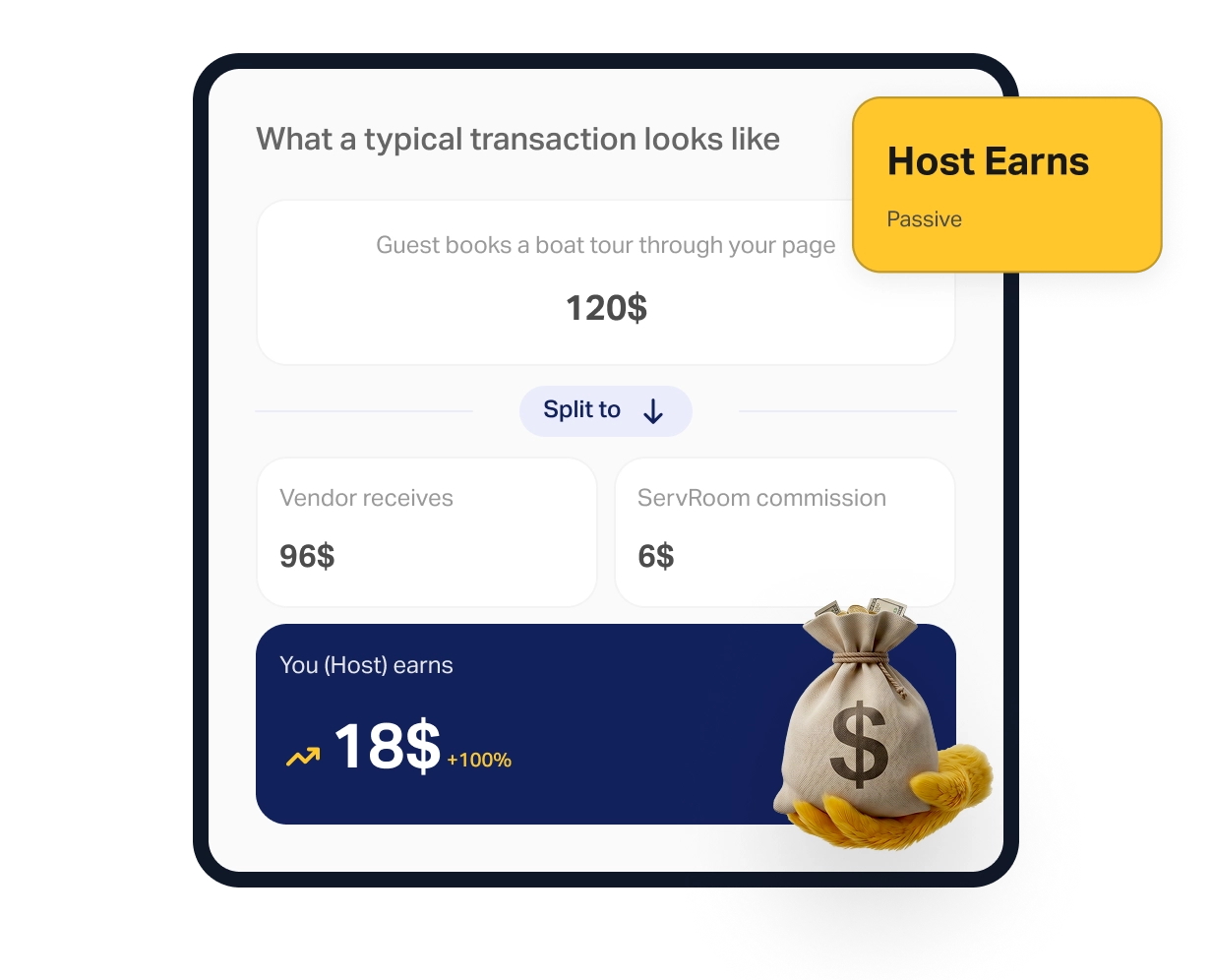
What a typical transaction looks like

Guest books a boat tour through your page

120$

Vendor receives

96$

80%

ServRoom commission

6$

5%
Your earning

18$ +100%

15%

No transaction = No ServRoom fee.
The model only works if yours does.
You keep more than we do. Always.

Guest scans, reads guide or chats, and leaves.

100% Free. Always.

The digital guidebook and guest chat are free utilities. If no orders are placed, you pay nothing. No subscriptions, no catches.

Guest orders breakfast directly from you.

Host earns. ServRoom earns a small %.

First transaction. Proportional commission on that amount only. Transparent split shown in dashboard.

Guest books a boat trip or dinner through a local vendor.

Vendor + Host + ServRoom all earn.

A multi-party transaction handled automatically by the infrastructure. You earn your commission without lifting a finger.

10+ properties. 500+ guest scans per month.

The model stays exactly the same.

As your revenue grows, our percentage stays flat. No “Pro” tiers, no “Enterprise” upgrades, and no pricing surprises at scale.
Setup Reality Check

Everything You Need to Do. All of It. Right Here.

No hidden steps. No surprise complexity. This is the complete list.

60 sec

Create account

Email + password. Done. No credit card, no approval.

01

30 sec

Name your property

Your unit name and a short description.

02

5–10 min

Add guidebook content

Add your existing WiFi details, rules, and area tips.

03

3–5 min

Add your own services

Add mid-stay cleaning, breakfast boxes, or bike rentals. Set prices.

04

5–15 min

Add local vendors

Add vendors you know. Upload their menu — AI builds the list for you.

05

10 sec

Generate QR code

One click. Download. Print. Frame it, laminate it, stick it. Done.

06

20 sec

Place QR in the property

Place on the fridge, living room, and bed to maximize scans.

07

Next stay

First guest scans

Your infrastructure is live. Every guest from now on can spend.

08

Under 30 minutes

You aren’t creating new content, you’re just moving your existing knowledge into a transactional system.
FAQs

Still Have Questions?

How long does the setup process actually take?

Under 30 minutes. Most of this time is spent simply entering information you already know, like WiFi details, house rules, and the local vendors you already recommend.

Do my guests need to download an app or create an account?

No. Guests access your digital guide and services instantly via their smartphone browser. No app store, no accounts, and zero friction.

How is the revenue tracked and recorded?

Every order is tracked automatically. Your dashboard provides real-time data, showing exactly which service is booked, along with your total revenue and commissions earned.

What if I don’t have any local vendors to add yet?

You can start immediately with just your in-house services (like mid-stay cleaning) and the digital guidebook. You can add, edit, or remove local vendors any time your network grows.

Can I manage multiple properties from one account?

Yes. ServRoom is built for scale. You can manage an unlimited number of properties, each with its own unique QR code and configuration, from a single centralized dashboard.

Is there any hidden cost or monthly subscription fee?

None. ServRoom is free to set up and free to run. We only earn a small platform fee when you successfully generate revenue. If you don't earn, we don't earn.

What happens if a guest has an issue with a local vendor?

You maintain full control. You can monitor vendor performance through your dashboard and "pause" or "remove" any vendor instantly if their service doesn't meet your standards.

Is guest and host data secure?

Absolutely. Privacy is built into our core. Guest sessions are anonymous by design, meaning no personal data is ever required, stored, or monetized.
We maintain high-level security infrastructure to ensure that your property data and guest interactions remain private and protected at all times.

The system is ready.
Earn from your next check-in.

Free to set up. Live in 30 minutes. Commission only when you earn.

Secure Your Early Access

We’re putting the final touches on the ServRoom dashboard. Leave your details below to get priority access the day we go live.
Always free. No credit card required.